The complete author's toolkit

Every craft a novel needs,
on one desk.

Nine disciplines that usually mean nine apps and three subscriptions. In Edda they share a single, offline workspace, so the world you build is always one click from the sentence you are writing.

Manuscript

An editor built for the long haul.

A fast, clean writing canvas that holds a whole novel without ever feeling heavy.
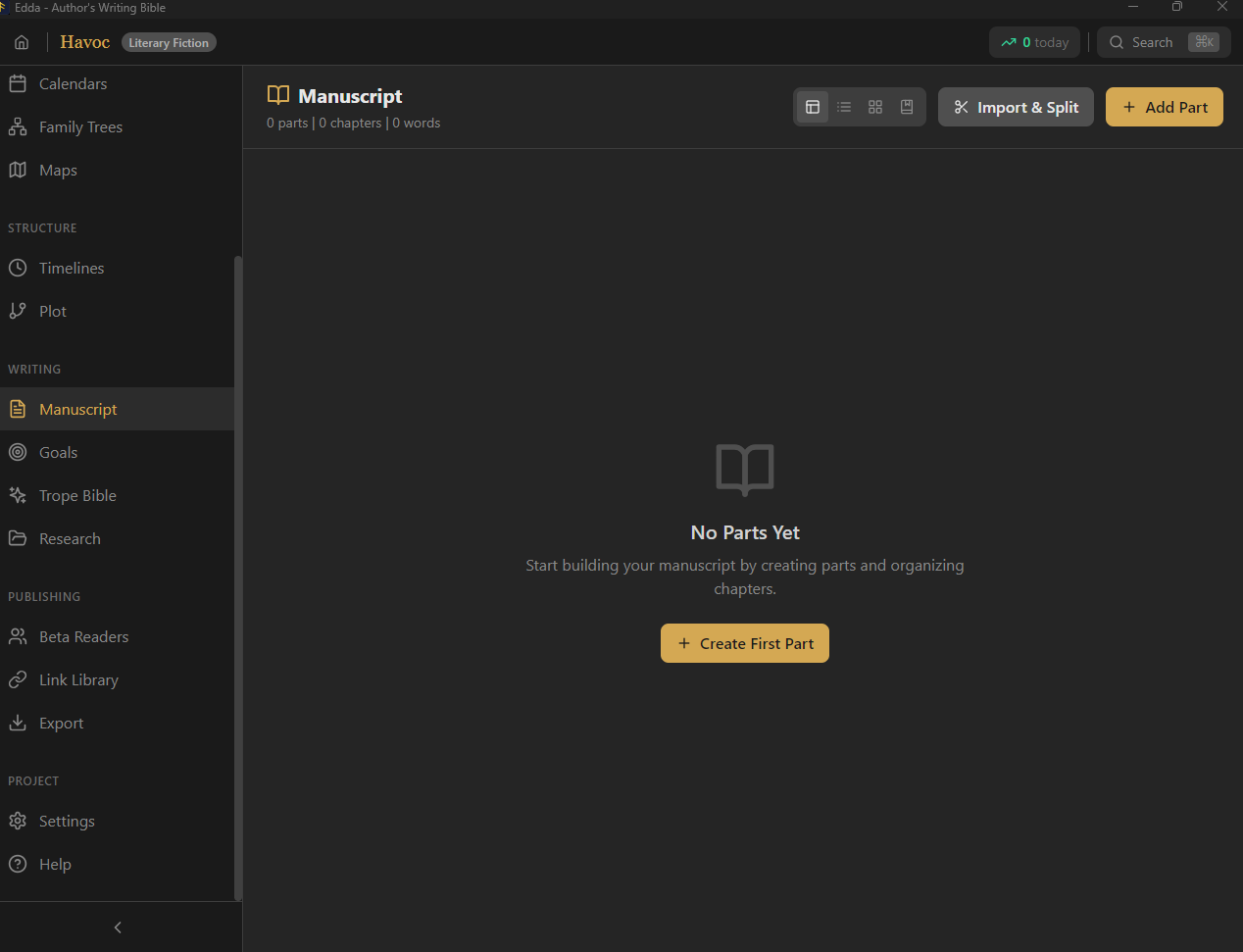
  • Parts, chapters and scenes in a drag-and-drop tree, each with synopsis and status, and parts that fold away
  • A full word processor toolbar (fonts, colours, spacing, indents, lists, styles) on a page with margins you set, plus markdown shortcuts, footnotes, inline comments, and find and replace
  • Distraction-free typewriter mode, automatic saving a few seconds after you stop typing, and crash recovery
  • Voice dictation, nine editor themes plus a theme builder, and export to PDF, DOCX, Markdown, HTML or text
Read the full guide →
Edda manuscript editor with chapter and scene sidebar

Writing modes

Twelve kinds of writing, one desk.

Pick a mode when you start a project and the editor changes to fit the form, with the same story bible, goals and backups behind it. Novel, screenplay, sitcom, stage play, audio drama, podcast, comic, academic, interactive fiction, picture book, poetry and lyrics.
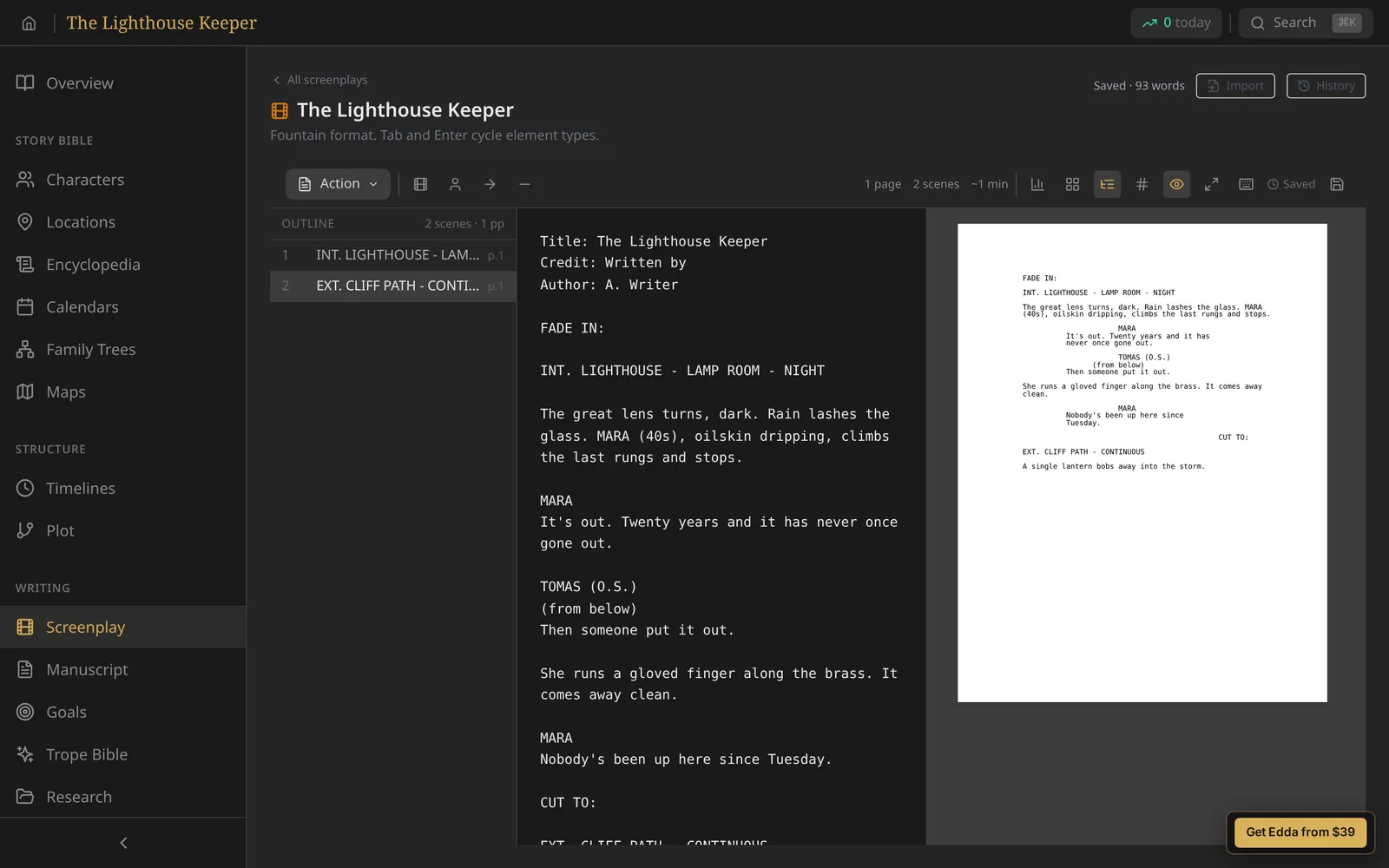
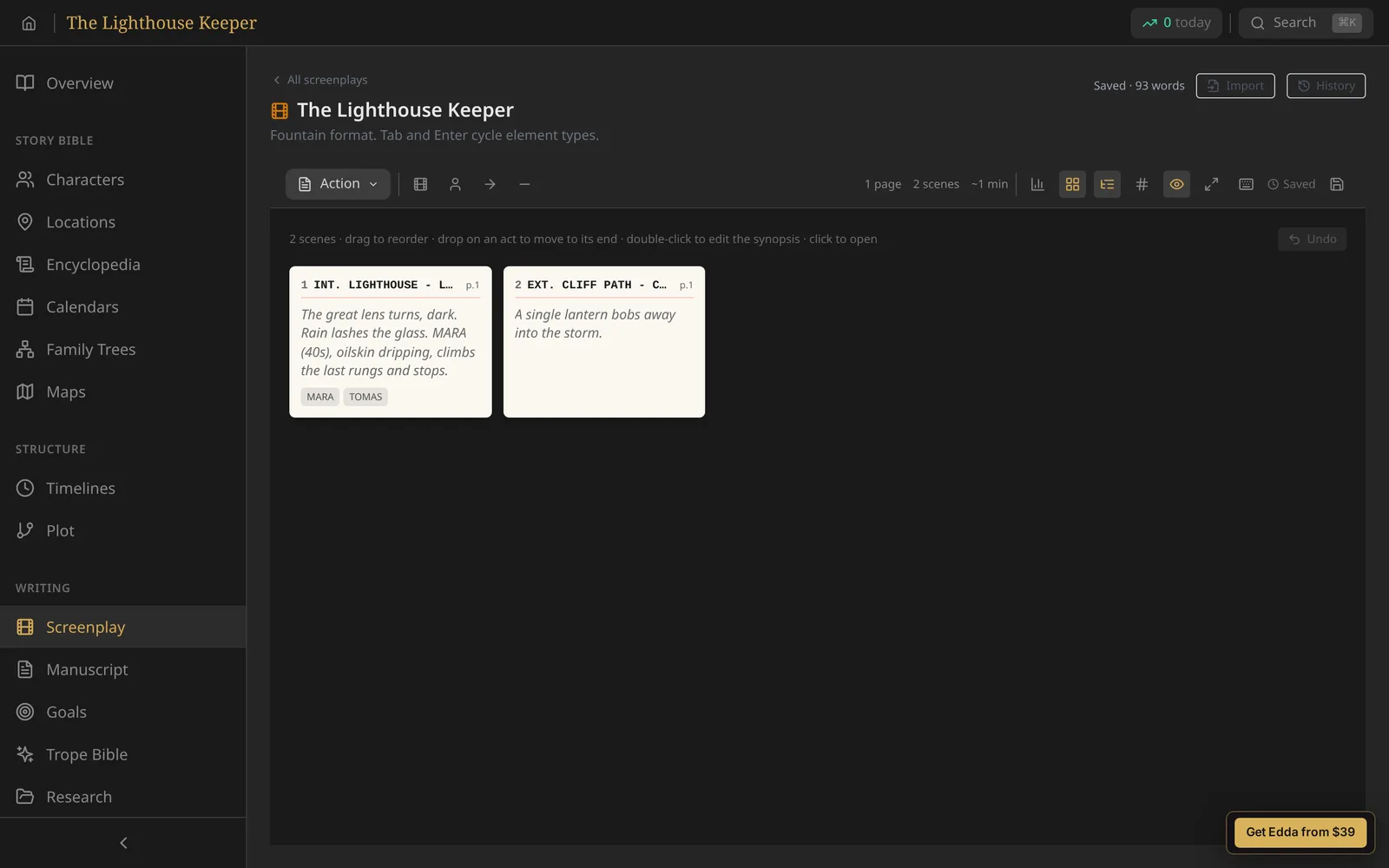
  • Screenplay editor with industry formatting, revision colours, a runtime estimate, and Fountain and Final Draft import and export
  • Poetry with 47 forms plus free verse, from haiku and sonnet to villanelle, with live syllable counts and refrain checking
  • Song lyrics with sections, chord charts, transposing, rhyme help and ChordPro export
  • Academic writing with footnotes, endnotes, citations and a bibliography; interactive fiction with Twine export
Read about the writing modes →
Edda screenplay editor with formatted scene headings, action and dialogue

Worldbuilding

Keep an entire universe straight.

Characters, places and lore that stay consistent across a series, and link to the page you are writing.
  • Character profiles with arc stages, flaws, motivations and custom fields, in rich text
  • Two-way relationships on a relationship web: add Parent on one character and the other shows Child
  • Locations, lore articles and a searchable encyclopedia by category, with tags on everything
  • Custom calendar systems with invented eras, months, moons and festivals on a timeline
  • Multi-generational family trees, maps with markers and image galleries
  • A continuity engine that flags contradictions, and Campaign Mode for game masters
Read the full guide →
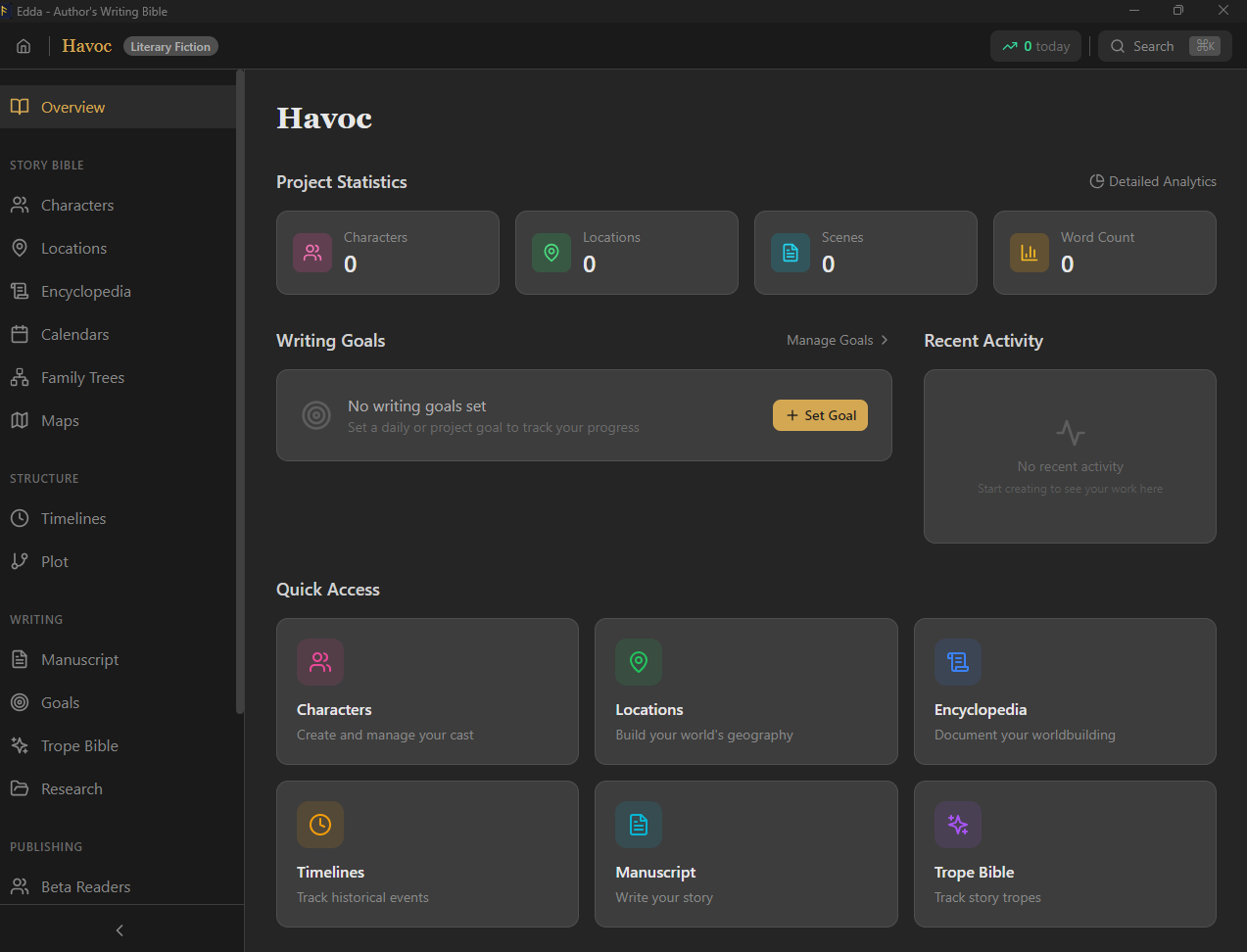
Edda worldbuilding overview with characters, locations and scenes

Campaign Mode and continuity

Keep a whole world consistent.

The same engine checks a ten-book series or a three-year tabletop campaign, and tells you when the facts stop adding up.

Continuity engine

Flags a character in two places at once, scenes before a birth or after a death, events out of dependency order, places used before they are founded, and characters acting on facts they have not learned yet.

Campaign Mode

Session prep with encounters and hooks, factions, recaps and handouts, for any tabletop system. Prep and continuity, not a virtual tabletop.

Fact graph

Record who knows what and when they learned it, then see it drawn as a graph: what the party knows against what the game master knows.

Read about Campaign Mode →

Structure and plot

Ten ways to shape a story.

Start from a proven framework, then bend it to your book.
  • Templates for Three-Act, Hero's Journey, Save the Cat, Five-Act, Freytag's Pyramid, Story Circle, Snowflake, Seven-Point, Romance and Mystery
  • Editable beat sheets you place on scenes, and your own templates saved for the next book
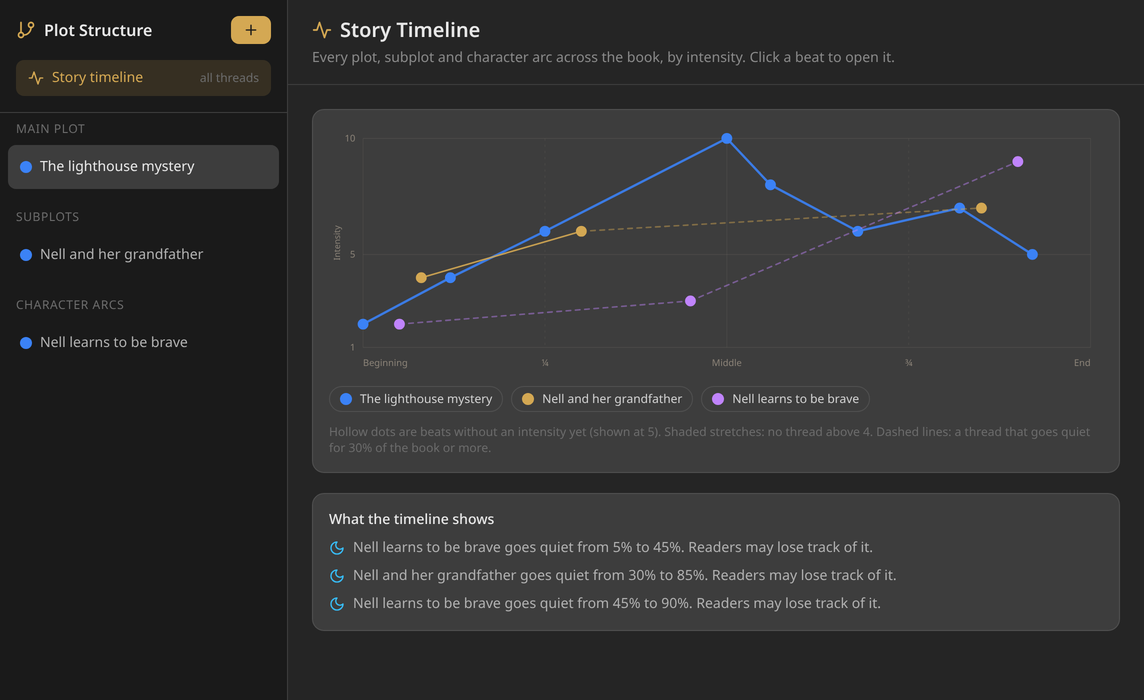
  • Give every beat an intensity, then see every plot, subplot and arc on one story timeline
  • The timeline shades stretches where tension sags and flags threads that go quiet
  • Outline view to collapse, expand and reorder parts, chapters and scenes
Read the full guide →
Edda story timeline: every plot thread by intensity across the book

The Skald

Your intelligence, sharpened.

A deterministic assistant built from craft, not models. It reads your chapter and hands back facts in under two seconds, then gets out of your way.
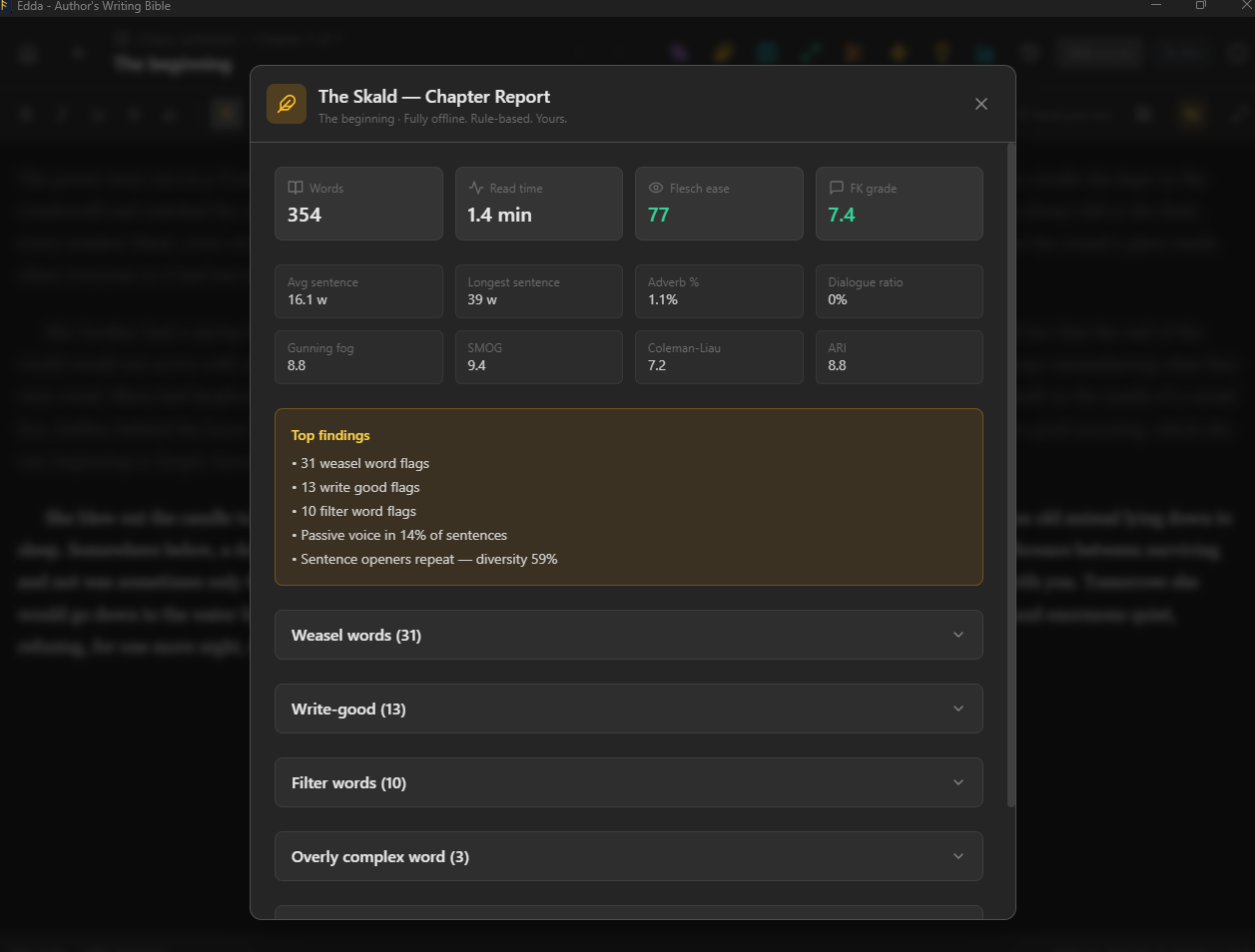
  • 135 hand-curated prompts and 160,000 combinatorial premises
  • Inline spell check with a per-project dictionary that travels with your manuscript
  • Six readability scores and 16 style-flag categories, from passive voice and hedges to 270+ clichés
  • Every flag shown in its sentence with the word highlighted, and dialogue left alone
  • A per-project style sheet the Skald checks your spelling and capitalisation against
  • Fully offline, rule-based, no language model, no network, no prose written for you
Read the full guide →
The Skald deterministic assistant with prompts and a chapter report

Reading level · New in 5.1

Know who your book is for.

Every chapter, scene and selection shows its reading level as you write, worked out on your own machine.
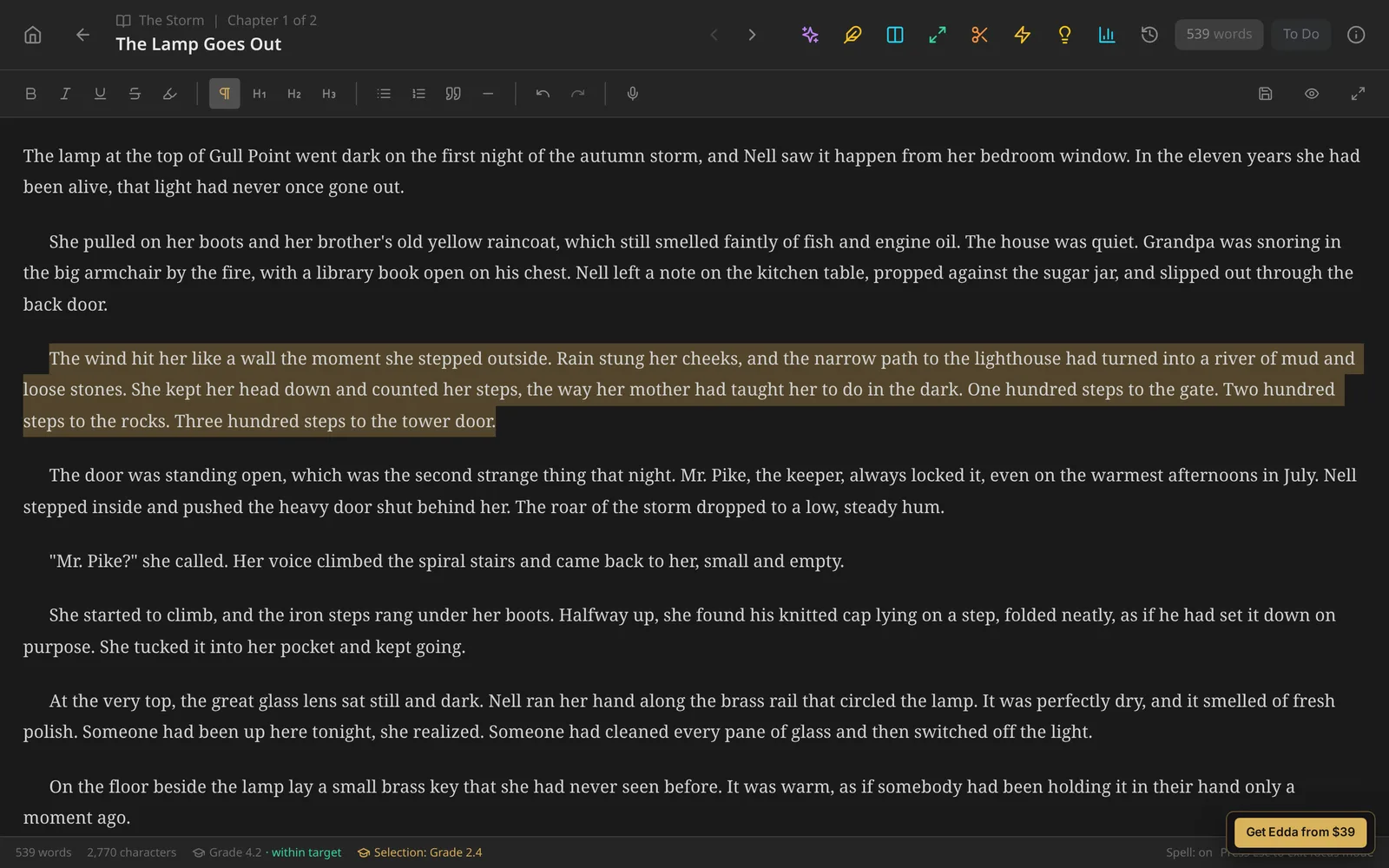
  • Flesch-Kincaid grade, Flesch reading ease, Gunning Fog and SMOG
  • Show it as US Grade, UK Year or Reading Age
  • Children's target bands from early readers to young adult, with a fit marker on every chapter
  • Badges in the editor, manuscript outline, corkboard, compile and snapshots
Read about reading level →
Edda editor footer showing the chapter reading level badge

Beta readers

Share without losing control.

Every draft you send is fingerprinted to the reader who received it.
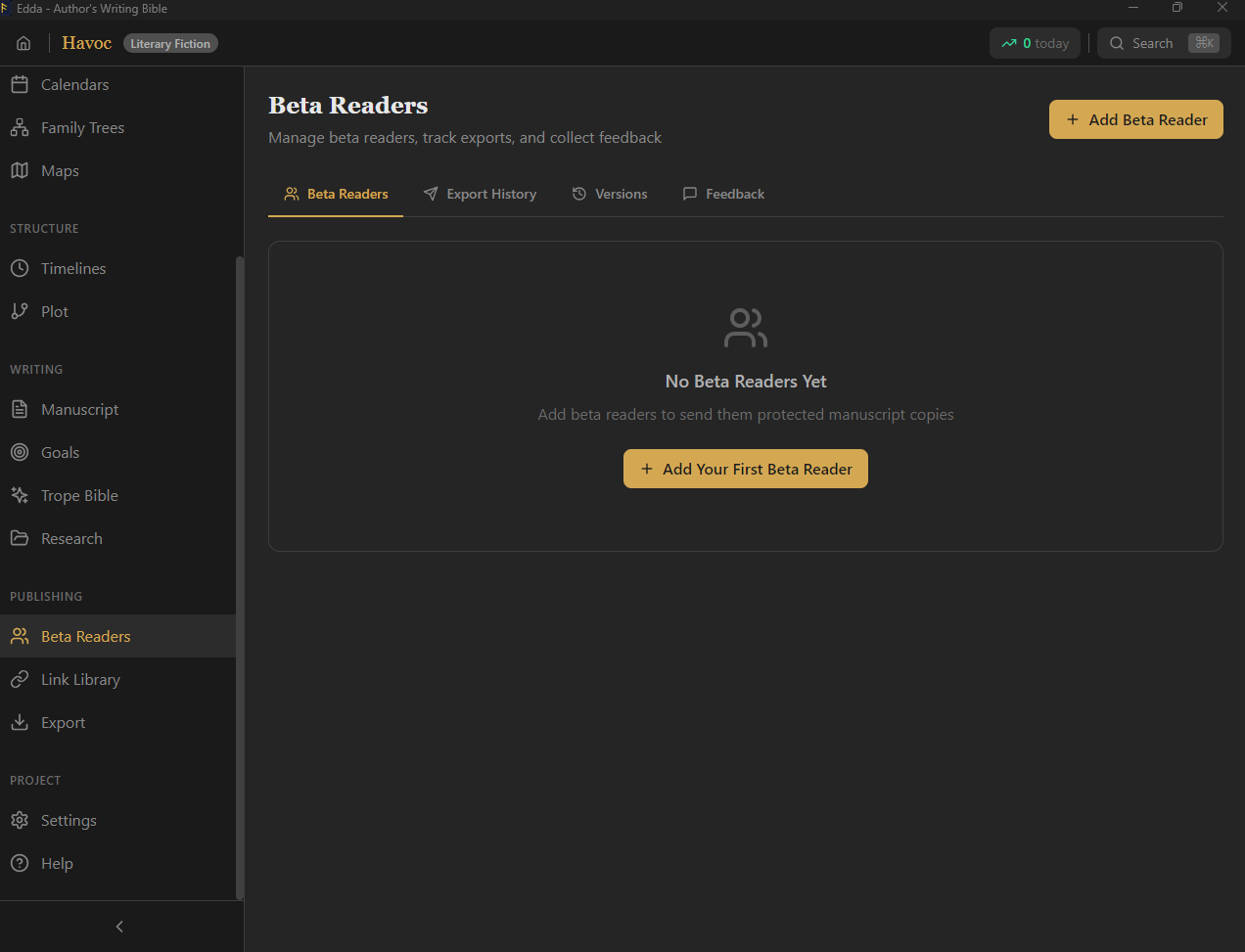
  • An online reading portal that keeps your formatting, with per-paragraph comments and questionnaires
  • Visible and invisible fingerprints in PDF, DOCX and EPUB copies, and leak tracing from a pasted excerpt
  • Per-reader NDAs, a status pipeline, version tracking and batch export
  • Always know who has which draft, and where each reader stands
Read the full guide →
Edda beta reader management with watermarked exports

Publishing

Bookstore-ready, from your desk.

Compile the real files retailers want, generated locally on your machine.
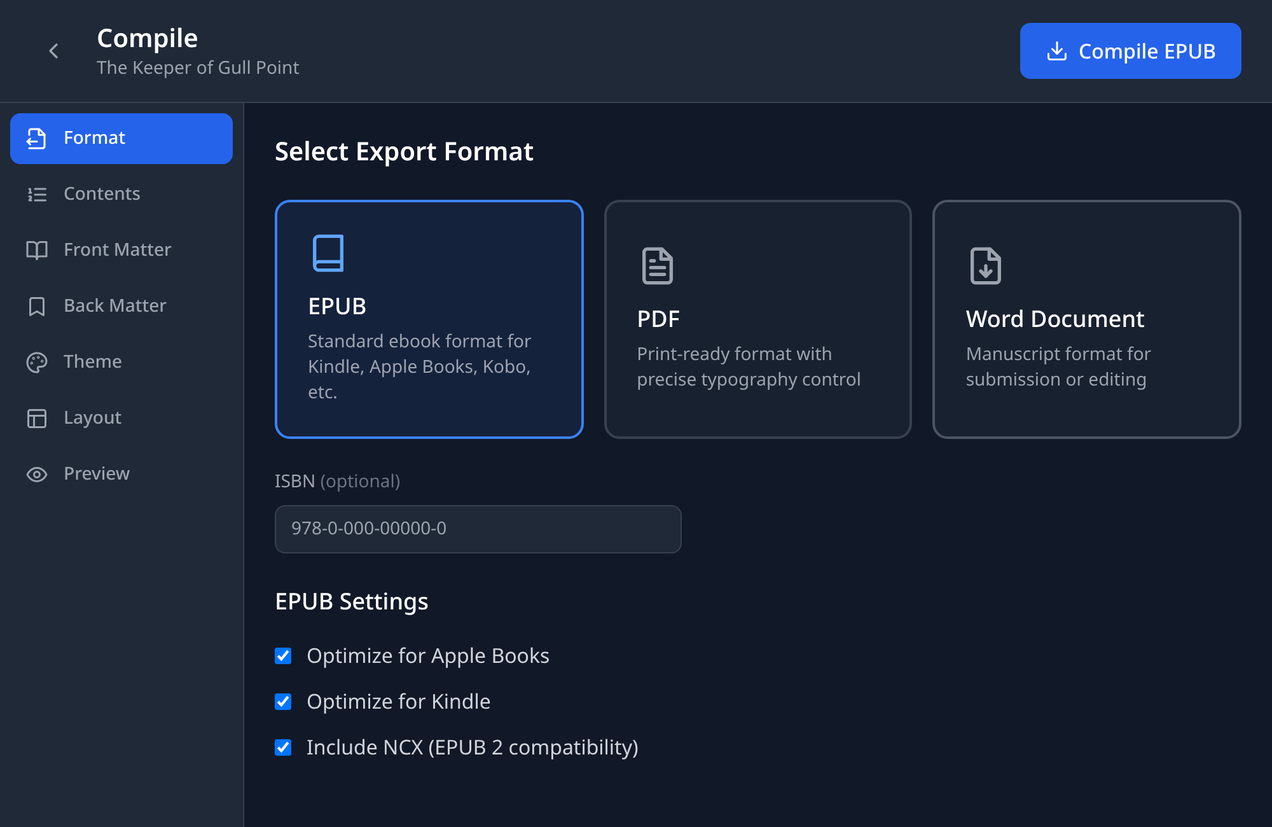
  • True EPUB 3, print-ready PDF and DOCX, with front and back matter, 22 themes and a device preview
  • Six trim sizes (5×8, 5.5×8.5, 6×9, 8.5×11, A5 and A4) and KDP and IngramSpark presets
  • Print checks that follow the printer you chose, KDP or IngramSpark, with ISBN-10/13 validation
  • A style and authenticity pass to catch the tells before your editor does
Read the full guide →
Edda compile screen with EPUB, PDF and Word formats, front and back matter, theme, layout and preview

Revision

Revise without losing anything.

Change your mind as often as you like. Every version is a click away.
  • Snapshots of any scene, compared side by side with the current draft
  • Split screen on desktop: two scenes, or a scene and your notes, open at once
  • Cards, outline, corkboard and index views of the whole manuscript, on desktop and phone
  • A manuscript splitter that turns one long file into chapters
  • Split a scene in two at the cursor
  • Series manager for books that share a world, with characters shared across the series
Read the full guide →
Edda manuscript cards view with chapter and scene cards

Analytics and sprints

Momentum you can measure.

Gentle structure that turns a daily habit into a finished book.
  • Daily word-count goals with streak heatmaps, and weekly and monthly summaries
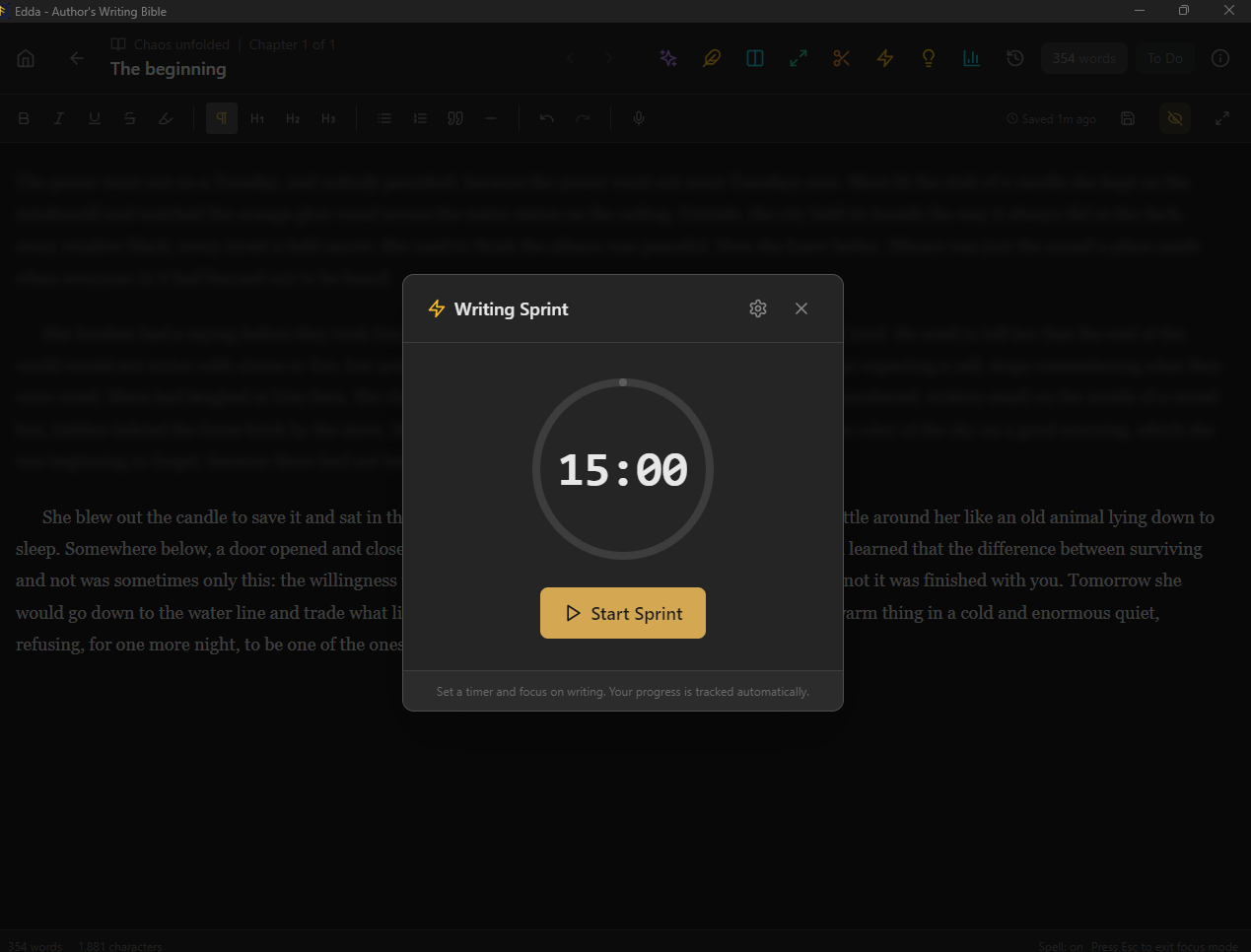
  • Writing sprints from 5 to 180 minutes, with pause, live counts, saved history and records
  • A 30-day novel challenge mode, plus project and deadline goals of your own
Read the full guide →
Edda writing sprint timer and analytics

Research and trope bible

Everything in its place.

A research desk and a marketing brain, both fully offline.
  • Research folders with notes, attachments, images, web clips and mood boards
  • Timelines, tags and full-text search across the whole project
  • A trope bible of 1,021 tropes with a deterministic keyword and hashtag generator
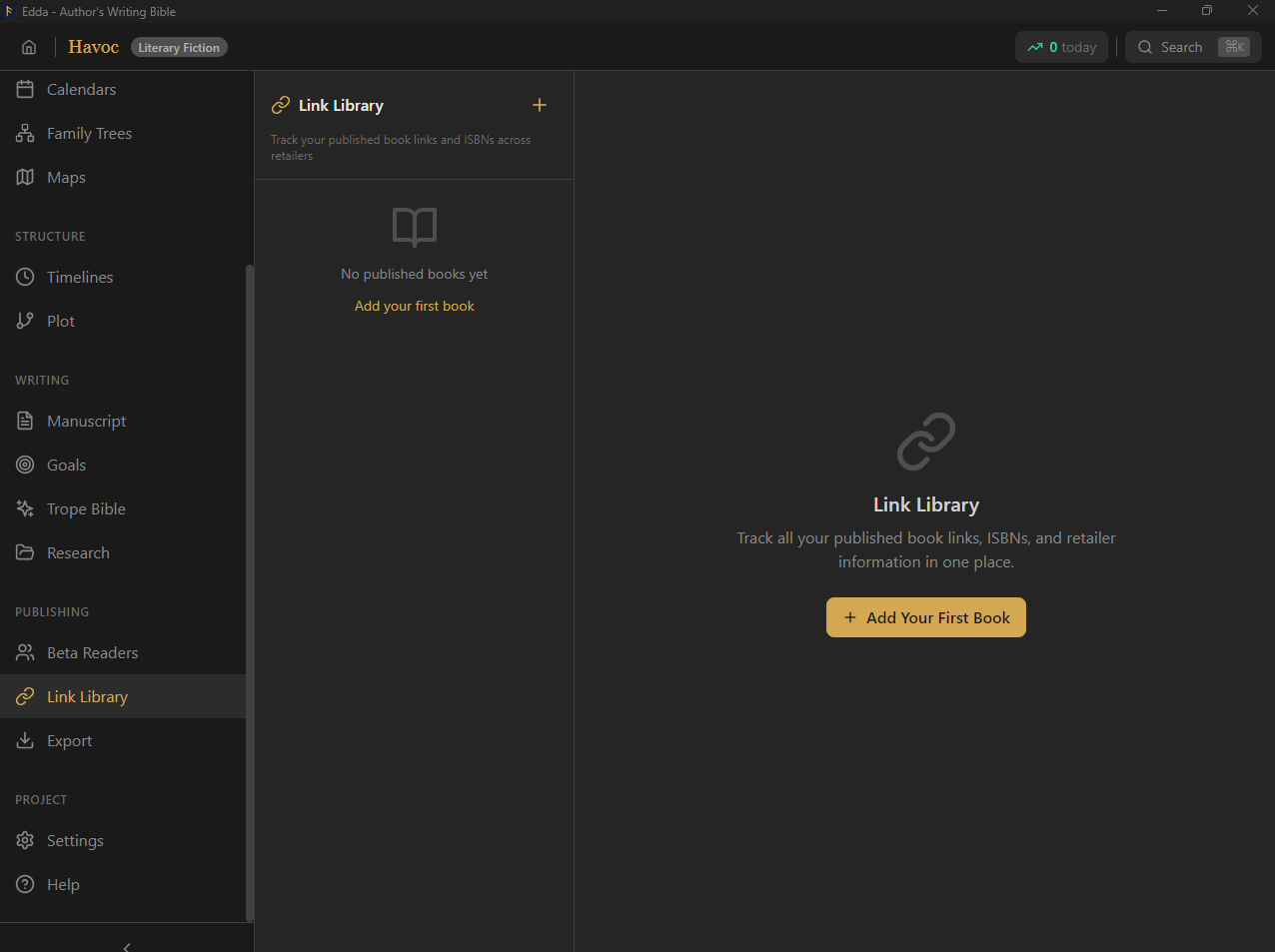
  • A link library for retailers, social profiles and reference material
Read the full guide →
Edda research link library connecting entities

Focus

When the world needs to go away.

Blindwrite mode strips the screen to a single line and a blinking cursor. No deleting, no second-guessing. Just forward.
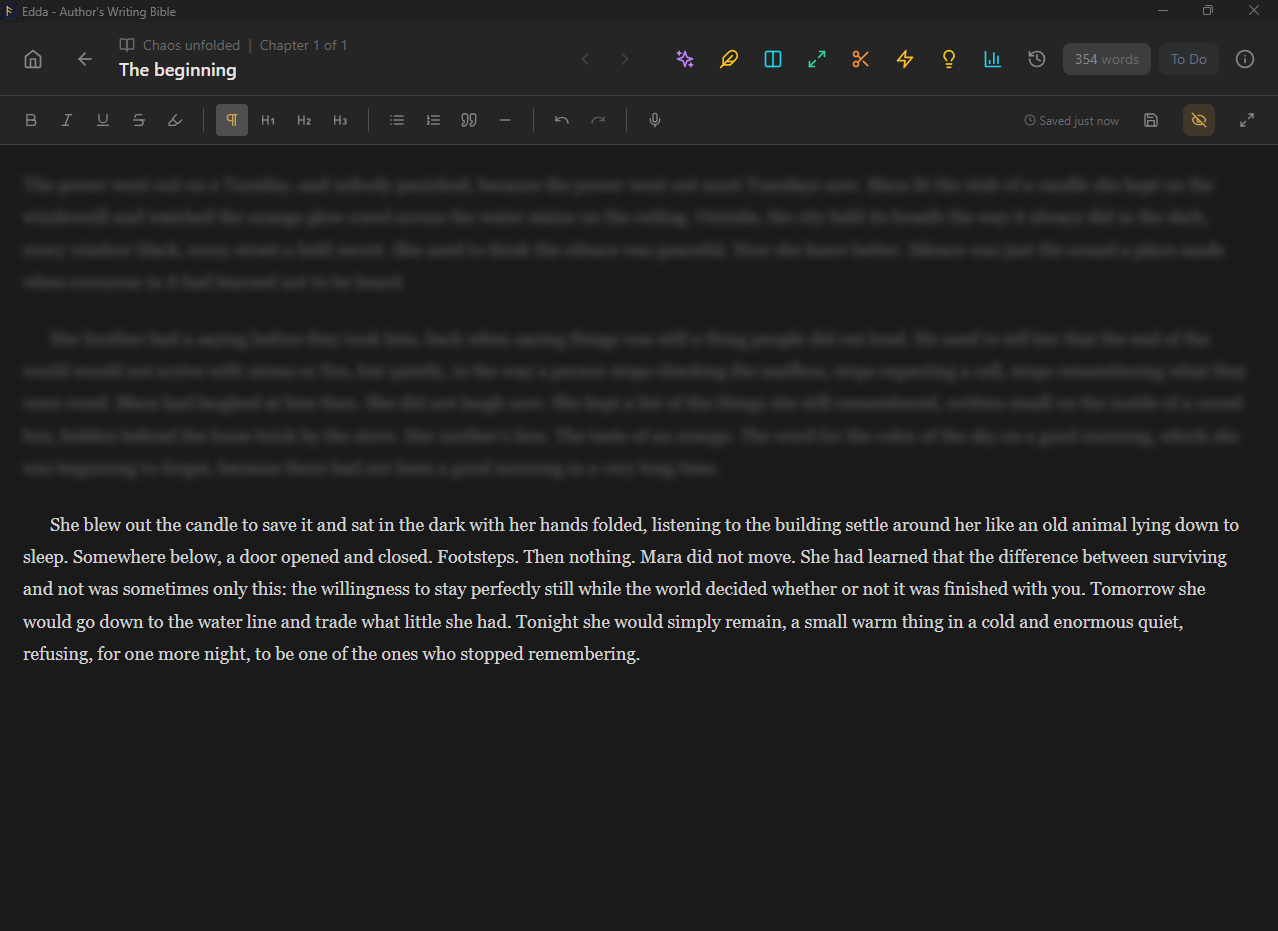
  • Typewriter-scrolled, distraction-free drafting that fills the window
  • The interface fades until only your words remain
  • Pair it with a sprint and watch the page fill
Read the full guide →
Edda Blindwrite distraction-free writing mode

Your files

Bring your book in. Take it anywhere.

Edda works on files you own, on your own disk, with no account required.
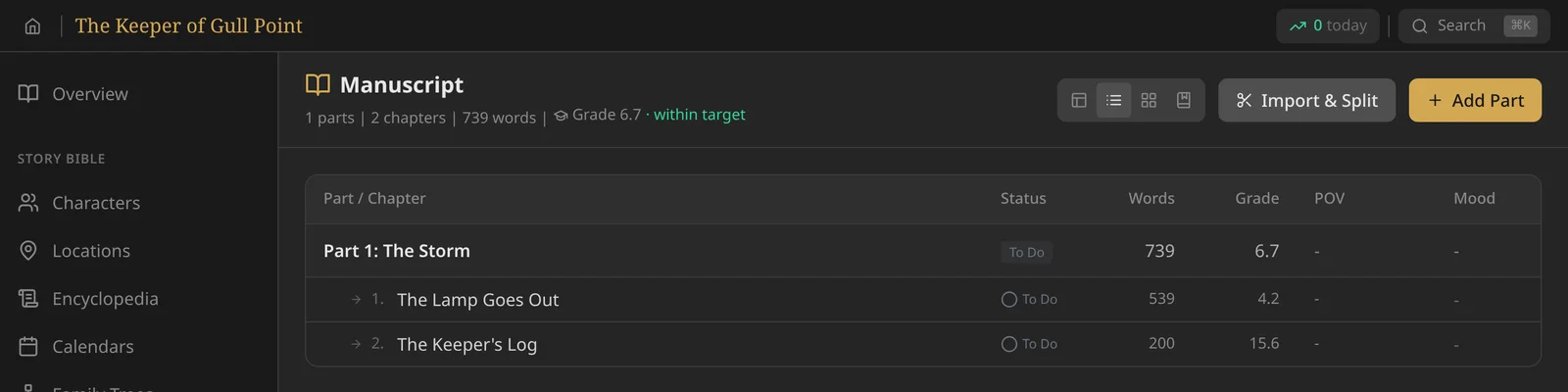
  • Import Scrivener projects, Word (.docx, .doc), RTF, PDF, Markdown and plain text
  • Project files that move a book between phone, tablet and desktop
  • Optional sync on desktop to a folder you choose or your own Google Drive, end-to-end encrypted if you set a passphrase
  • An optional plain-text mirror on desktop: every chapter, character and article also written as a Markdown file
  • Up to three devices per licence key, managed in the app's Settings or at edda.ink/devices
  • Project language setting, so English-only scores stay out of books in other languages
  • Fully offline: no telemetry, no cloud, no AI
Read about working offline →
Edda manuscript outline with chapters, word counts and reading levels

The complete list

Everything in Edda.

Every feature, in every edition. Nothing is locked behind a tier or sold as an add-on.

Writing

  • Word processor formatting: fonts, colours, spacing, indents, lists and styles
  • Page width, margins and zoom
  • Markdown shortcuts
  • Twelve writing modes, from novel and screenplay to comics and interactive fiction
  • Footnotes, endnotes and citations
  • Inline comments
  • Find and replace, and project-wide search (Ctrl+K)
  • Typewriter, distraction-free and Blindwrite modes
  • Voice dictation (offline on desktop)
  • Nine editor themes and a theme builder
  • Automatic saving and crash recovery
  • Keyboard shortcuts for formatting, navigation and sprints

Manuscript

  • Parts, chapters and scenes with synopsis and status
  • Parts that fold away
  • Cards, outline, corkboard and index views
  • Split screen
  • Snapshots with side-by-side compare
  • Manuscript splitter and split-at-cursor
  • Series manager
  • Import Scrivener, Word, RTF, PDF, Markdown and text

Story bible

  • Characters with rich-text fields, arc stages and custom fields
  • Two-way relationships and a relationship web
  • Locations, nested
  • Encyclopedia of lore
  • Custom calendars, moons and eras
  • Timelines with a continuity engine
  • Family trees
  • Maps with markers, regions and routes
  • Name generator
  • Image galleries
  • Tags on everything
  • Campaign Mode: sessions, factions and a fact graph

Structure and research

  • Ten templates: Three-Act, Hero's Journey, Save the Cat, Five-Act, Freytag's Pyramid, Story Circle, Snowflake, Seven-Point, Romance and Mystery
  • Plot threads and character arcs on a visual story timeline, by intensity
  • Beats placed on scenes, with early or late fit
  • Your own saved templates
  • Trope bible of 1,021 tropes with hashtag generator
  • Research folders for notes, attachments, images, web clips and mood boards
  • Link library for retailers and ISBNs
  • Launch planner

The Skald

  • 135 prompts and 160,000 combinatorial premises
  • Spell check with a per-project dictionary
  • Per-project style sheet
  • Chapter report: 6 readability scores, 16 style-flag categories
  • Flags shown in context, dialogue skipped
  • Writing authenticity check
  • Word frequency analyzer

Goals and reading level

  • Daily, project and deadline goals
  • Streaks and a writing heatmap
  • Weekly and monthly summaries
  • Sprints from 5 to 180 minutes, with history and records
  • 30-day novel challenge mode
  • Flesch-Kincaid, Flesch ease, Gunning Fog and SMOG
  • US Grade, UK Year or Reading Age
  • Children's target bands

Publishing and sharing

  • EPUB 3, print-ready PDF and DOCX
  • Front and back matter, 22 themes and device preview
  • Six trim sizes, with KDP and IngramSpark presets
  • ISBN-10/13 validation and print checks for KDP and IngramSpark
  • Export to Markdown, HTML and text
  • Online beta-reader portal with questionnaires
  • Beta-reader copies with visible and invisible fingerprints, and leak tracing
  • Reader NDAs, a status pipeline, versions and batch export

Ownership

  • One-time purchase, free updates for life
  • Three devices per licence key
  • Fully offline, no account needed
  • Project files that move between phone, tablet and desktop
  • Optional sync to a folder or your own Google Drive (desktop), with end-to-end encryption
  • Optional plain-text mirror in Markdown (desktop)
  • No AI, no telemetry, nothing trains on your work
  • Windows, macOS, Linux and Android; iPhone and iPad coming soon

Try all of it in the live demo

One purchase. Every tool.
Yours for good.

Nine crafts, one offline workspace, no subscription. Edda is ready when you are.

Get Edda from $39