Worldbuilders rarely keep everything in one project. A setting often lives in a corebook, a sourcebook and a campaign book, and the same tavern, villain or city turns up in all of them. Version 6.2 makes that way of working faster.
Duplicate a character, place or faction
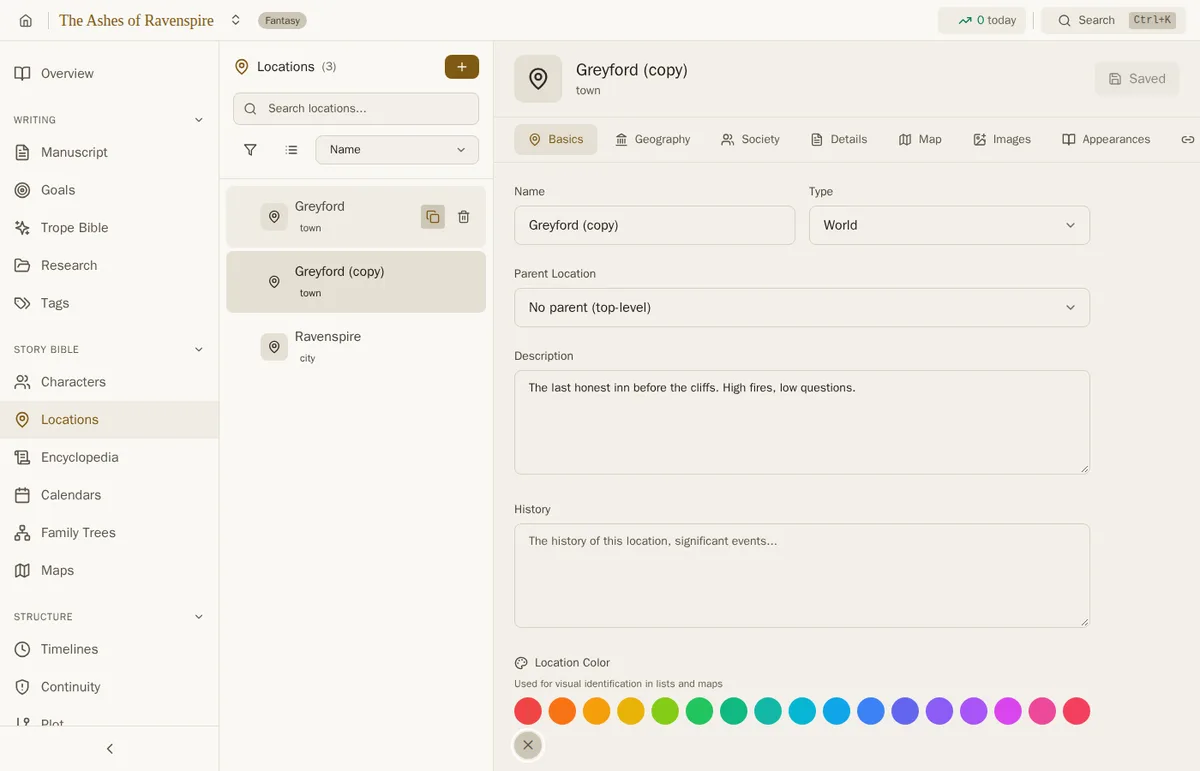
Hover an entry in Characters or Locations, or open a faction, and a new Duplicate button sits beside Delete. The copy has every field of the original and "(copy)" after its name, ready for the twin sister, the second watchtower or the rival guild. Links to the original, such as relationships and map pins, stay with the original.
Duplicate a whole project
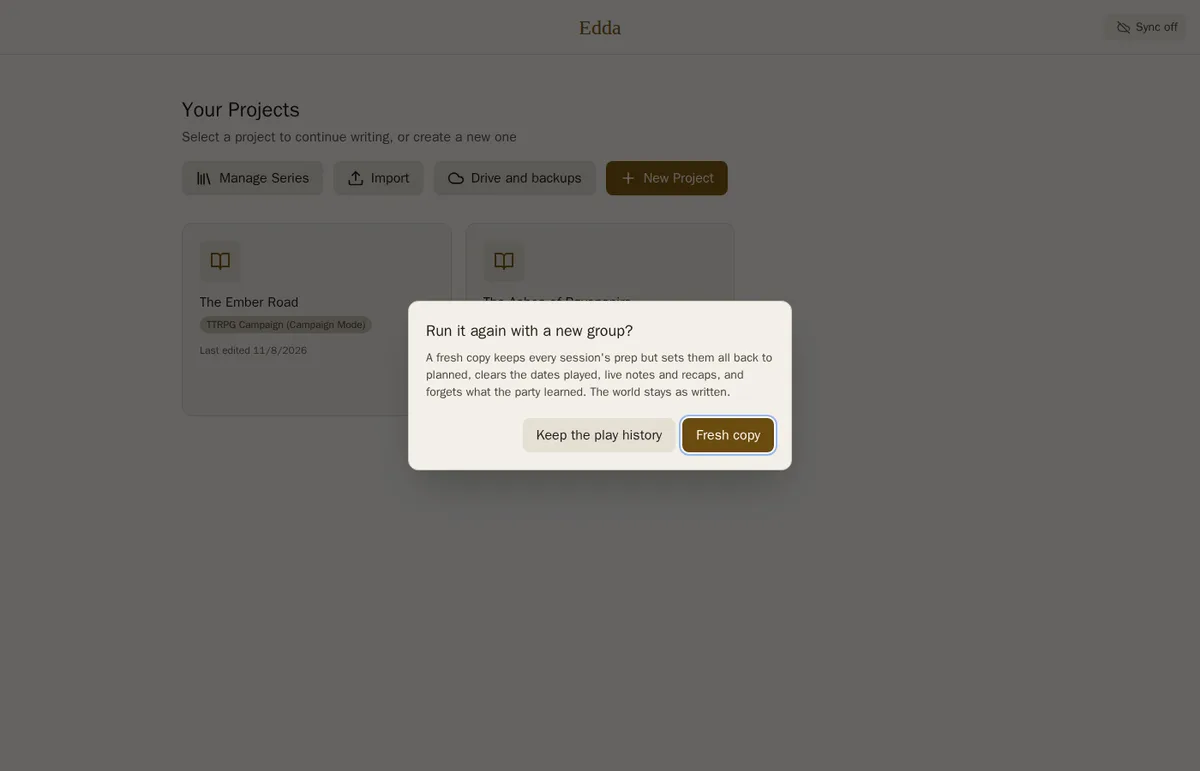
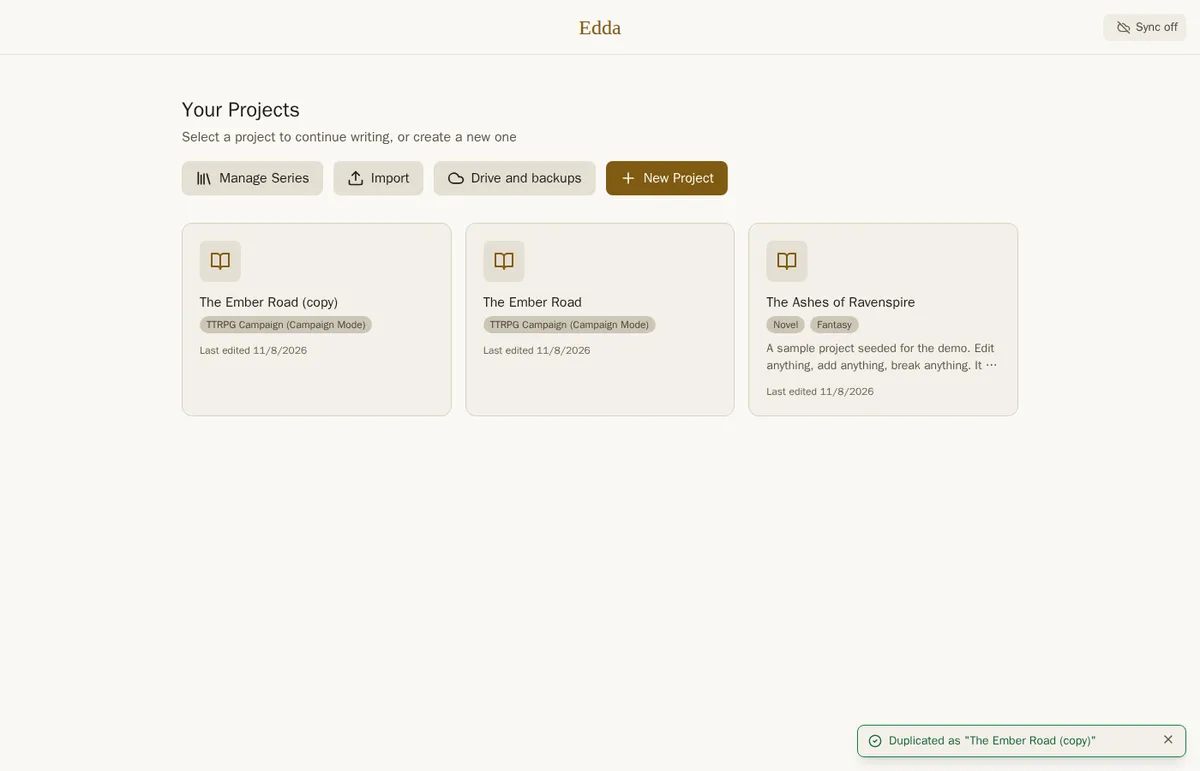
Project cards on the home screen now have a Duplicate button too. You name the copy, and Edda makes it with everything in the project: manuscript, story bible, maps, timelines and the series it belongs to.
A TTRPG Campaign gets one more choice. Pick Fresh copy to run the campaign again with a new group. Every session keeps its prep (title, encounters, hooks, GM notes, planned NPCs and places) but goes back to planned, and the dates played, live notes and recaps are cleared. What the old party learned is forgotten, while what the people of your world know stays as you wrote it.
Switch books without going home
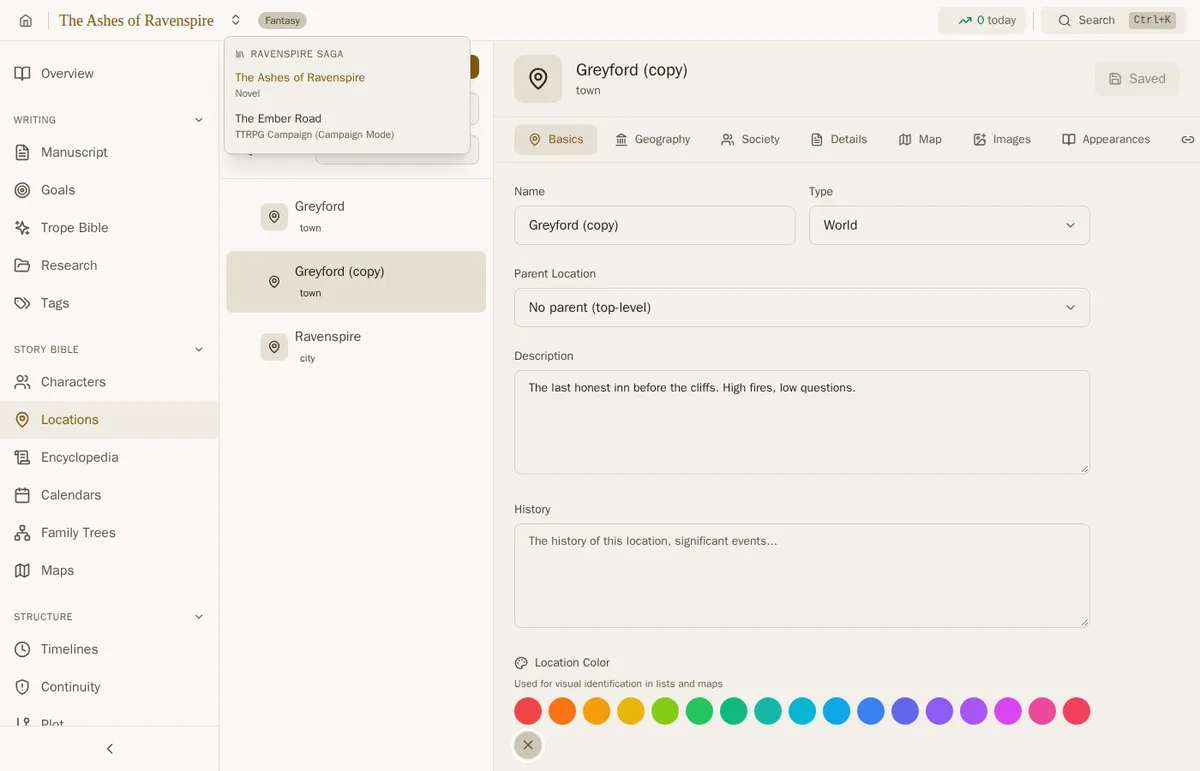
When a project belongs to a series, a small switcher appears beside its name in the title bar. It lists every book in the series, in the series' order, with the kind of project each one is. Pick one and you land on the same section in that book, so from the corebook's Locations you go straight to the campaign's Locations.
Campaign maps can use your Lore Bible's places
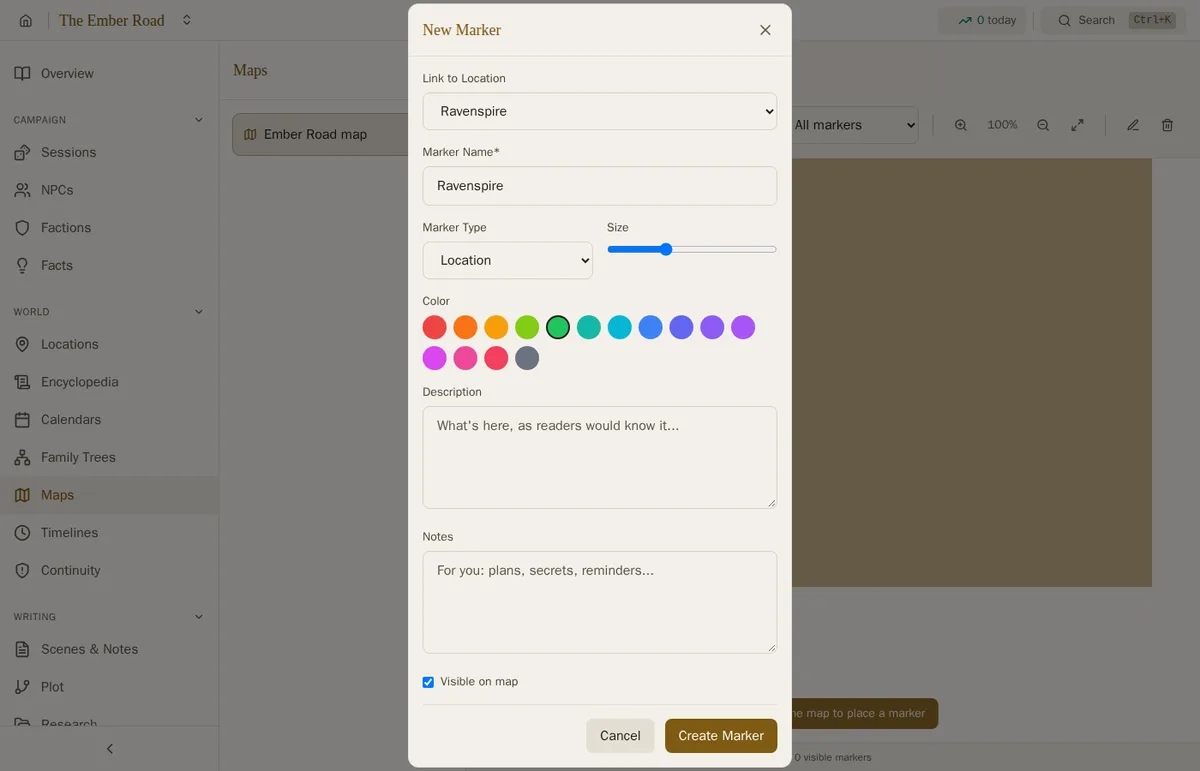
In a series that shares its worldbuilding, characters and places from the other books already appear under "Shared from Series". Now map pins and regions can link to them too. The Link to Location list shows your project's own places first, then each other book's places under its name, so a campaign map can pin the city you described in your Lore Bible.
See what each project is
Project cards now show what kind of project each one is (Novel, Lore Bible, TTRPG Campaign, Screenplay and so on) beside its genre, so a shelf of related books is easy to tell apart.
Your view stays put
Locations in tree view, Characters in grid view or as a relationship web, Timelines and Research now remember the view you picked while you open and add entries, instead of going back to the list each time.
Fixes
Confirmation dialogs have properly sized buttons again.
How to organise a tabletop world
The same tester asked how we meant this to be set up, so here is the short version. Make each body of setting material (a corebook, a sourcebook) a Lore Bible, make each adventure a TTRPG Campaign, and put them together in one series with Share worldbuilding across books turned on in Manage Series. Each book keeps its own entries, and the others can see and use them.
Getting 6.2
Edda 6.2 is a free update for every Edda owner, on Windows, macOS, Linux, Android, iPhone and iPad. On Windows, macOS and the Linux AppImage, your installed copy updates itself. If you use the Linux .deb, download the new version from the download page and install it over the old one; your projects stay where they are. On Android and iOS the update arrives through Google Play and the App Store; the iPhone and iPad version follows as soon as Apple approves it.
Want to try it first? The live demo runs in your browser and saves nothing. For the previous release, see the Edda 6.1 release notes, and for the rest of the story bible, the worldbuilding guide.
Build the whole world
A full word processor, a story bible that spans a series, campaign prep and publishing, in writing software you pay for once. No subscription, no AI, fully offline.
Get Edda from $39.99